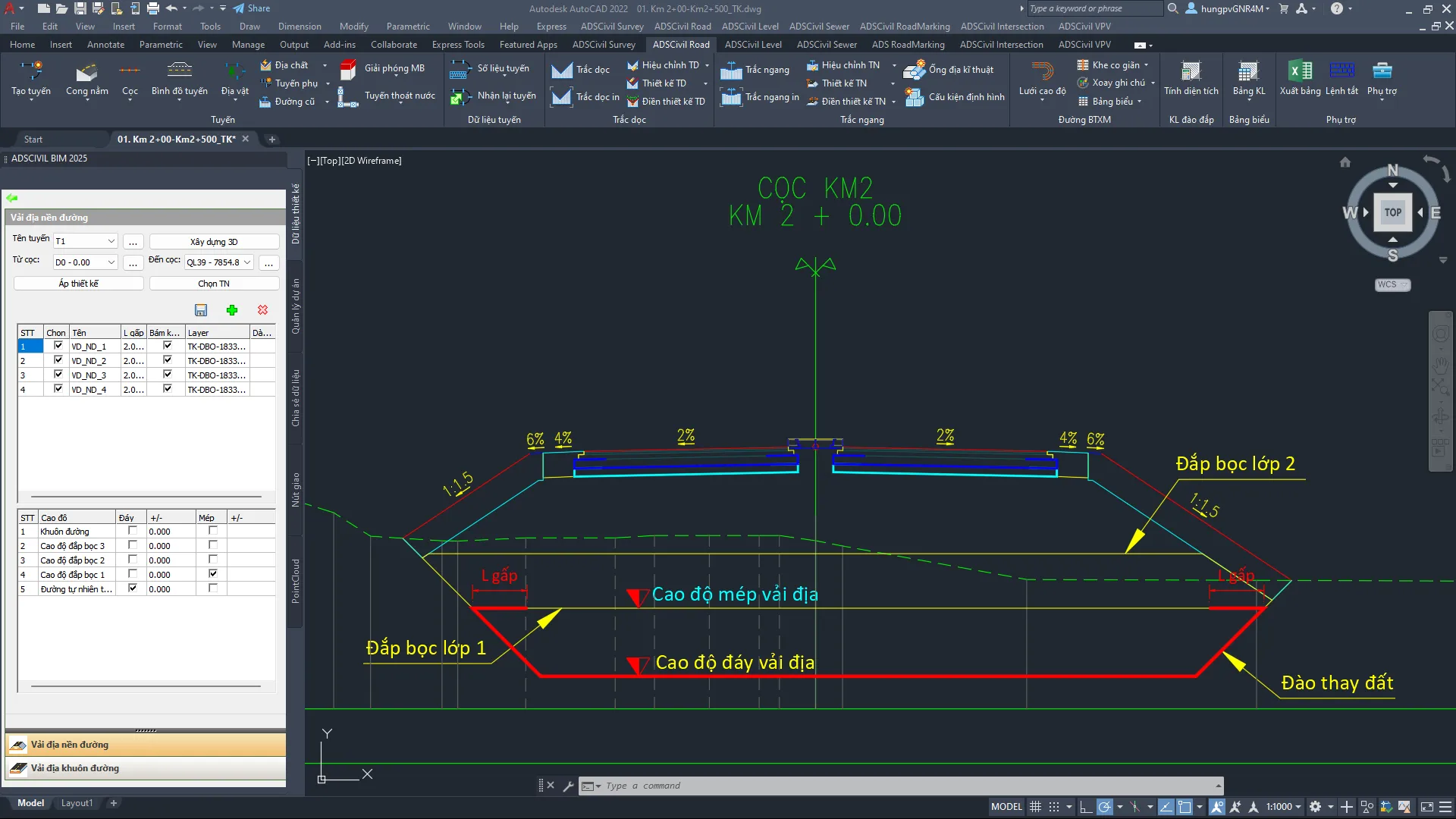
 ADSCivil
STEP BY STEP:
- Download the ADSCivil 2023 USB Key edition matching your AutoCAD version from the ADSCivil.vn website.
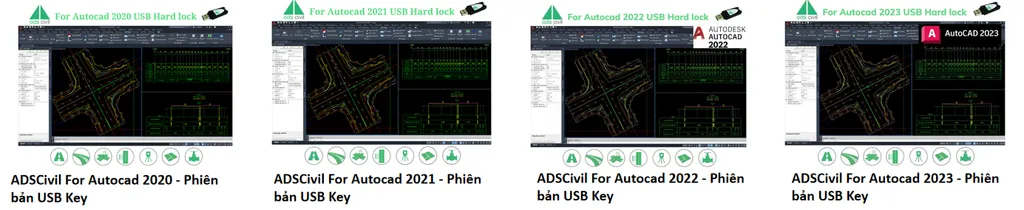
Note: ADSCivil 2023 runs on AutoCAD 2020 and later.
- Installation: the USB key edition of ADSCivil 2023 installs in the same way as the network key edition.
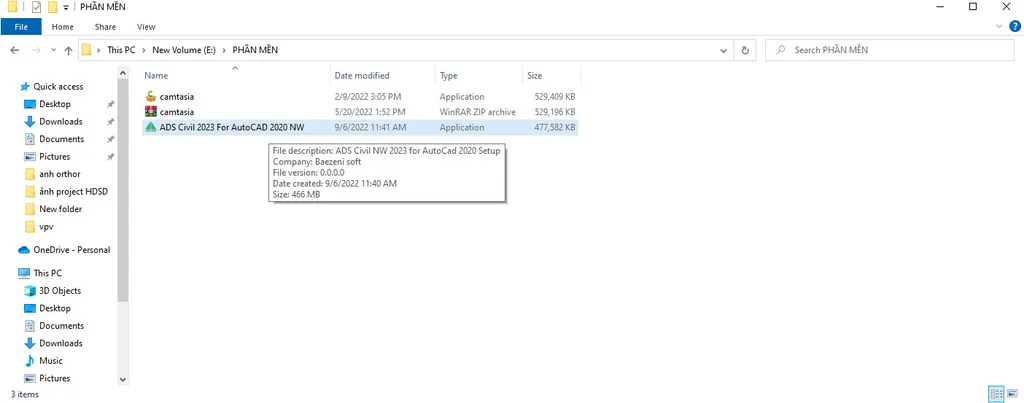
- Once the download has finished, double-click the ADSCivil installer to run it.
2. Choose the drive where ADSCivil will be installed, then click NEXT.
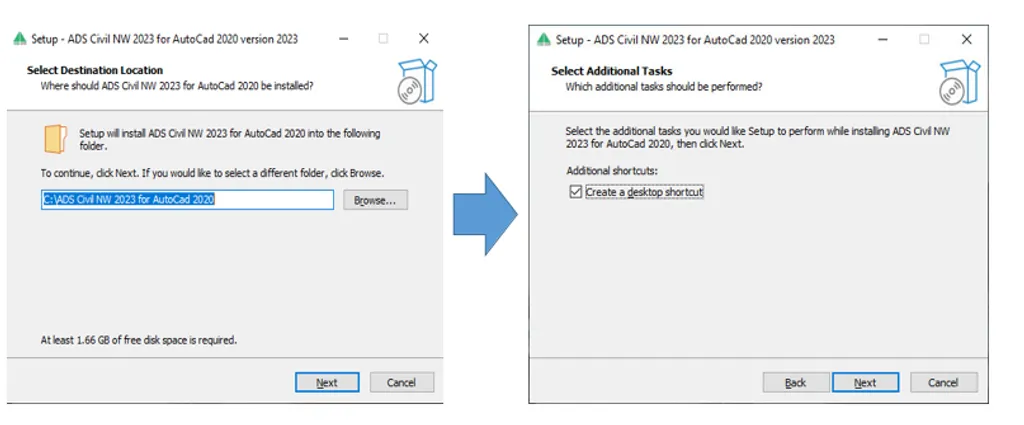
3. Next, click INSTALL to begin the installation.
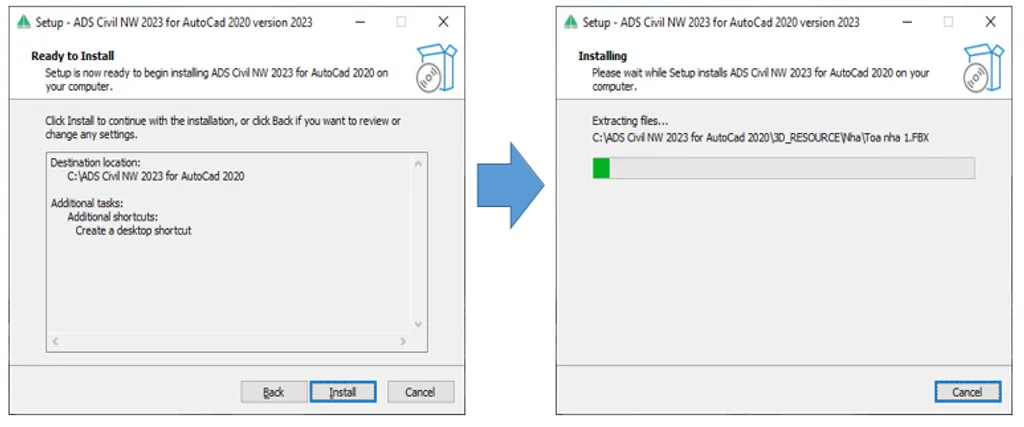
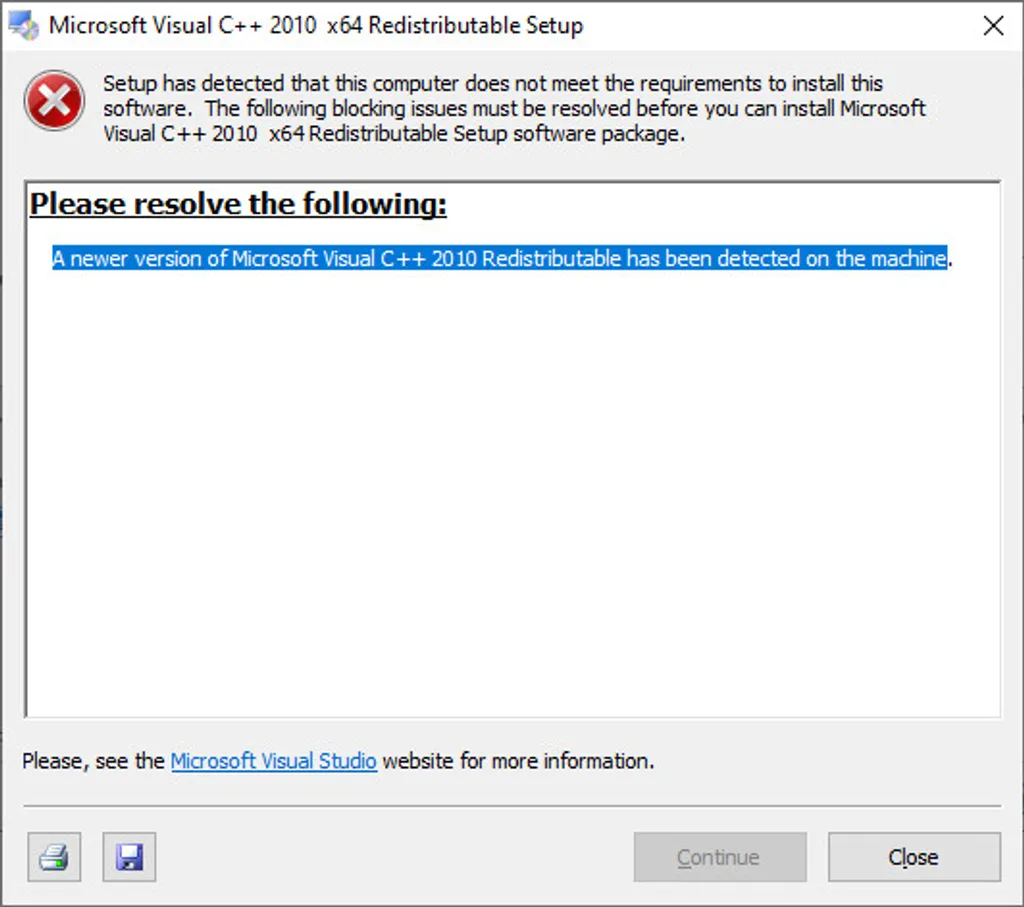
4. On computers that already have Microsoft Visual C++ installed, a notice dialog will appear - click CLOSE.
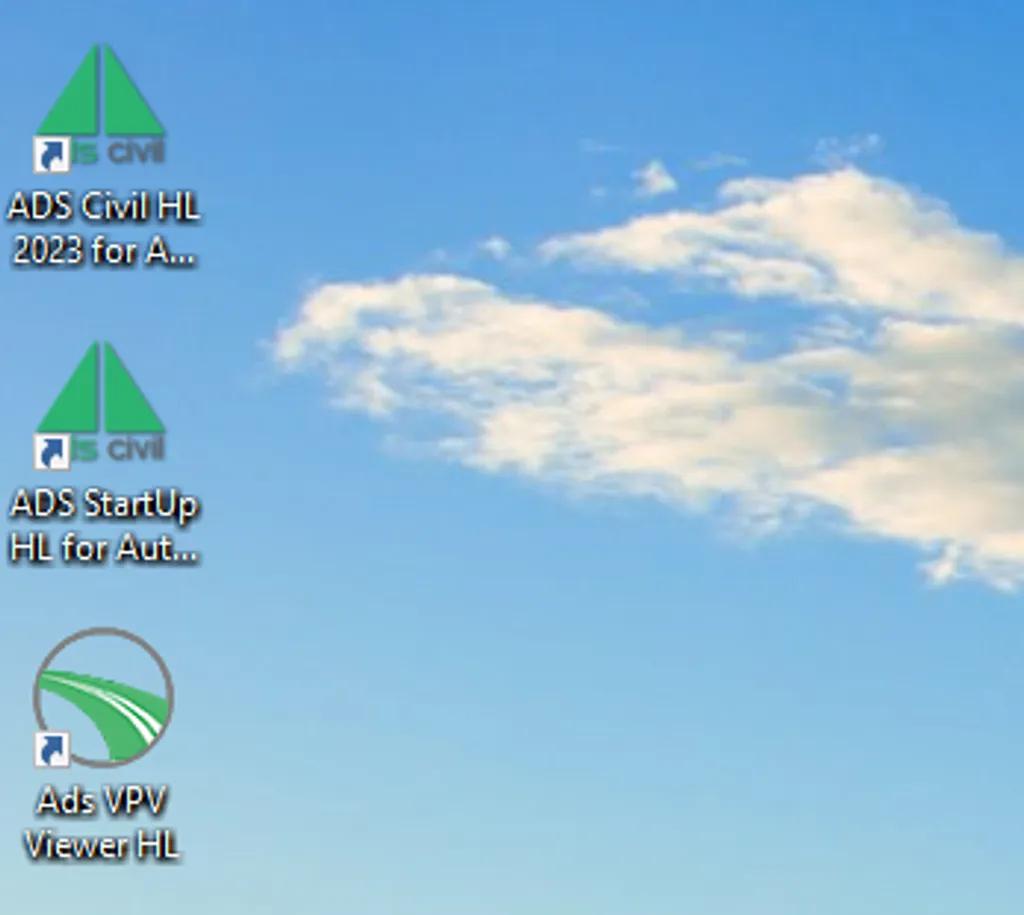
5. Once installation is complete, three icons will appear on the desktop:
-
-
- The icon that launches ADSCivil
-
-
-
- The icon pointing to the AutoCAD installation path
-
-
-
- The VPV icon, used to build 3D models
-
REGISTER FOR A TRIAL: |
 |
Contact:
Call our hotline for answers to any questions: 0345.868.227 or 024.3200.5386
Website: adscivil.com
Mail: [email protected]
Address: 2nd Floor, CT1AB Building - Me Tri Plaza, Nam Tu Liem, Hanoi.
Zalo Office: